
Start with the browser check
Press Play on the homepage. The FIFA Street 2 browser player checks secure isolation, WebAssembly JSPI and an available WebGPU adapter. If a check fails, follow the browser support guide. Repeatedly downloading the same files will not add a missing browser feature.
Wait for startup data
The first load prepares roughly 81 MiB of disc chunks plus the running code. Other files arrive on demand. Stay on the page and keep the tab visible. Loading a game through a website still uses your connection even though there is no separate emulator installation.
Focus and navigate
Click inside the picture. Enter sends Start, S sends cross to confirm and W sends triangle to go back. Arrow keys provide the left stick; T/G/F/H provide the separate directional pad. Game menus are drawn by the runtime, so clicking an item in the picture does not select it.
Set up the memory card
A first session may ask about saving and formatting a virtual PS2 card. This is browser storage, not a physical card. Follow the on-screen choices and wait for saving to finish. Export a backup from Player options after a successful save.
Enter Play Now
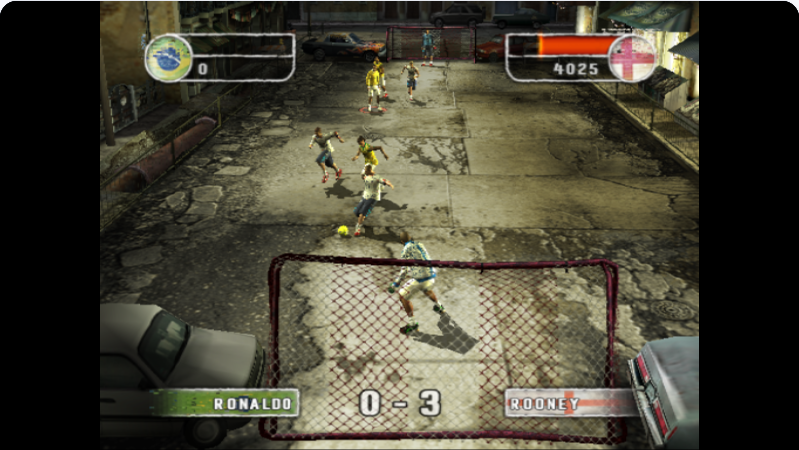
Select Play Now, choose your side and confirm the teams. The desktop validation used Brazil against England. Additional scene data may load before kickoff. Learn movement and check the game control screen before experimenting with combinations. Player options and guide links leave the existing match instance intact.