
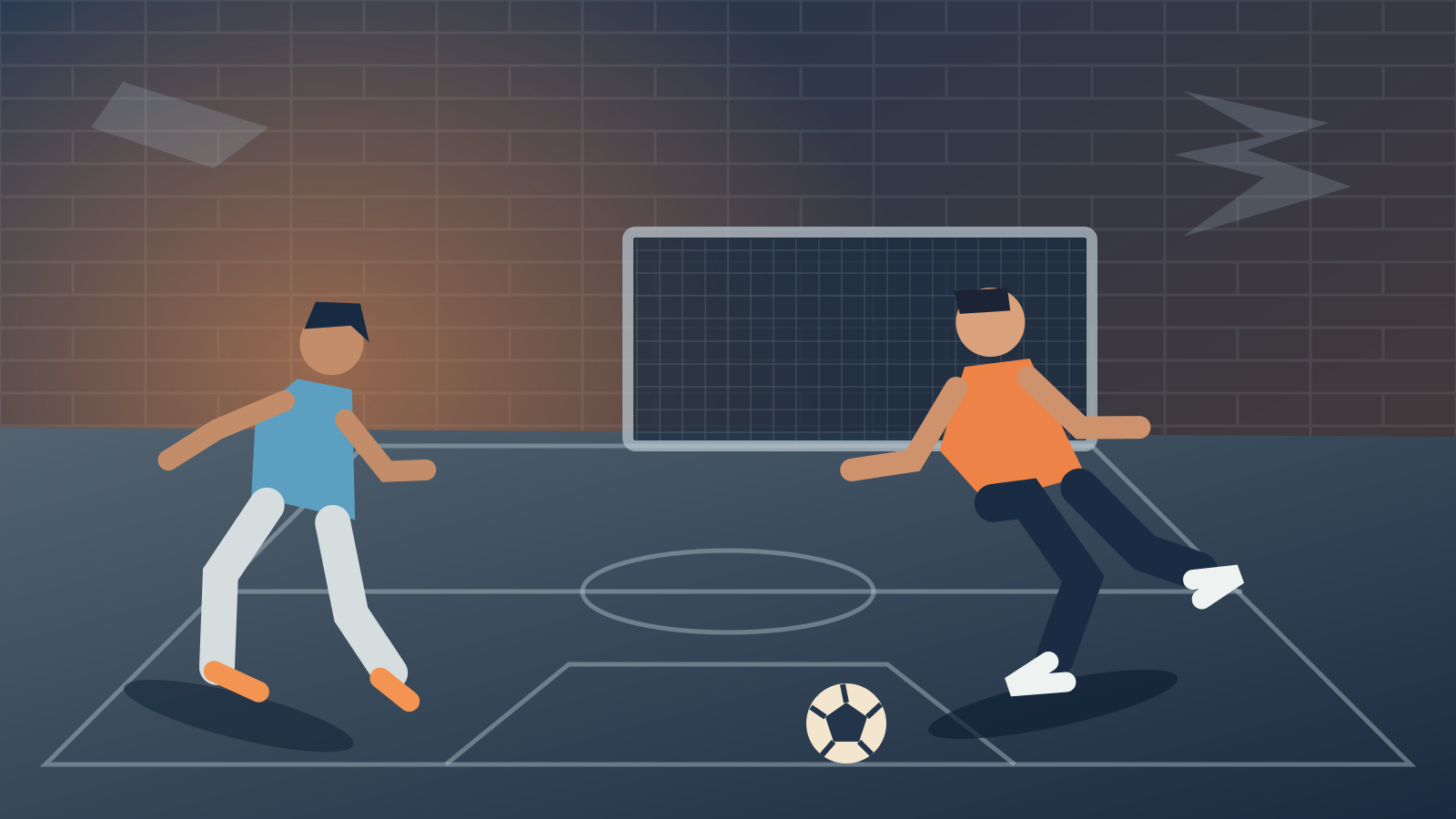
FIFA Street 2 browser: street football, a click away
FIFA Street 2 brings close control, quick passing and expressive street football to smaller pitches. This browser player puts the game beside practical help, so you can start a match and find an answer without hunting through unrelated downloads. The focus is playing, learning the buttons and returning with your progress intact.
If you searched for FIFA Street 2 browser, you are in the right place for this fan project. The game runs on your own device after loading its files. The FIFA Street 2 website provides the player, controls reference and loading help; your computer provides the graphics and processing power needed for each match.
How to play FIFA Street 2 in your browser
Start FIFA Street 2 with the Play button above. The page checks your browser, loads the matching runtime and prepares the startup data. Keep the tab visible during the first load. When the picture appears, click it to focus the controls, press Enter for Start and use S to confirm highlighted choices.
For a first FIFA Street 2 match, follow Play Now, choose the side you want to control and select the teams. Learn movement before trying every trick at once. In FIFA Street 2, a short passing move and a clear shooting opportunity are easier to understand when you are already comfortable with the camera and the compact court.
The FIFA Street 2 browser interface keeps its help close to the game. Use the menu buttons below the picture for navigation, or open a guide in a separate tab. Theater mode, maximized view and fullscreen give the match more room while preserving the same running session and its controls.
A FIFA Street browser experience on desktop
A FIFA Street browser search can describe several different games or fan ports. This website is specifically for FIFA Street 2. It is not the original game, a remake or the 2012 release. That distinction matters when you compare player instructions, screenshots, game menus and the controls shown in a guide.
The recommended starting point for FIFA Street 2 is an updated desktop Chrome or Edge browser with hardware acceleration enabled. The player checks the graphics adapter and required browser features when you press Play. A laptop or PC that can browse the page may still need a browser update before it can run the game.
Treat FIFA Street 2 mobile play as an unverified option. Phone browsers differ in graphics, memory, input and available browser features. The page adapts to a smaller screen, but that responsive layout is not evidence that the game itself has passed an iPhone, Android or tablet gameplay test.
FIFA Street 2 keyboard controls and controllers
The FIFA Street 2 browser controls start with arrow-key movement. Face buttons use S for cross, D for circle, A for square and W for triangle. Enter sends Start. These are controller-button mappings; check the game control screen to see which football action each button performs in the current situation.
Before blaming FIFA Street 2 for an ignored key, click the game picture once. Browser focus can move to a toolbar, another tab or a guide link. The FIFA Street 2 player releases held keyboard inputs when focus is lost, helping prevent a player from continuing to move after you switch away from the match.
A standard gamepad can also provide FIFA Street 2 input through the browser. Connect it before playing, click the game and press a controller button. Actual support depends on the device and its standard mapping. Keyboard controls remain useful for a first test, and the detailed guide documents the complete default button layout.
Loading FIFA Street 2 web without a separate install
FIFA Street 2 web play still transfers data. The first session loads running code and roughly 81 MiB of startup disc chunks. Additional match data arrives when the game requests it. A stable connection helps FIFA Street 2 load reliably, especially when opening a court or other content that has not been requested on this browser before.
You do not have to wait for the entire FIFA Street 2 source disc before you begin. Available browser caching keeps previously requested resources for later visits, subject to storage limits and cleanup. An uncached scene can still cause a pause. A fast repeat visit does not guarantee the same loading time on another device.
If FIFA Street 2 shows a loading error, read the message before restarting. Check hardware acceleration, browser support and the connection. Use Clear downloaded files only when you intend to rebuild the resource cache. It is separate from the memory card, while your browser’s broader site-data cleanup can remove both.
Keep your FIFA Street 2 progress
Save FIFA Street 2 through the game’s own menus. The virtual memory card is stored in this browser profile, not in a website account. Initial setup can ask about saving and formatting a new virtual card. Let an active save finish before closing the page or making a backup.
Export a FIFA Street 2 memory-card backup from Player options before changing browsers, clearing site data or moving to another computer. Import restores a compatible card and restarts the game. A FIFA Street 2 memory-card backup does not freeze and resume a live match, and keeping a backup outside the browser remains useful even when local saves work normally.
What this FIFA Street 2 player has been tested for
A desktop Chrome session reached an actual FIFA Street 2 match between Brazil and England at the native internal resolution. That test ran around 50 frames per second on the tested Mac, and memory-card export and restore preserved the same file. This is a specific test result, not a speed guarantee for every machine.
Some FIFA Street 2 flag textures showed visible corruption during that test. Other courts, teams, the complete career and mobile devices have not all been checked. The browser support and loading guides make these boundaries clear so you can distinguish a site feature from something that still needs compatibility testing.
FIFA Street 2 online, PC ports and other search results
Here, FIFA Street 2 online means browser access to a locally running game. It does not mean internet matchmaking. This website currently has no remote-opponent rooms or synchronized online sessions. You can start single-player play without creating an account, and the guides do not rely on multiplayer services from another site.
If you are comparing a FIFA Street 2 PC port, the PS2 release or FIFA Street 2012, start with the game identity and required setup. Browser play is one delivery method for this particular game. Use the first-match, controls and save guides below for instructions that match the player actually provided on this page.